How to pick the integration that's right for your team
Badger has two integrations available: Business and Enterprise. Both are 2-way, real-time and bring your CRM to a map on your phone.
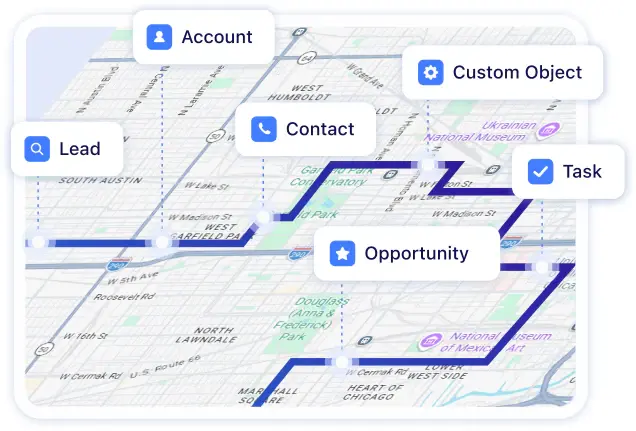
First, determine what data you want your reps to have and update from the field
What data you bring into the field is entirely up to you. Some teams might need one object, others might want a portion of their data or all their data in the field.
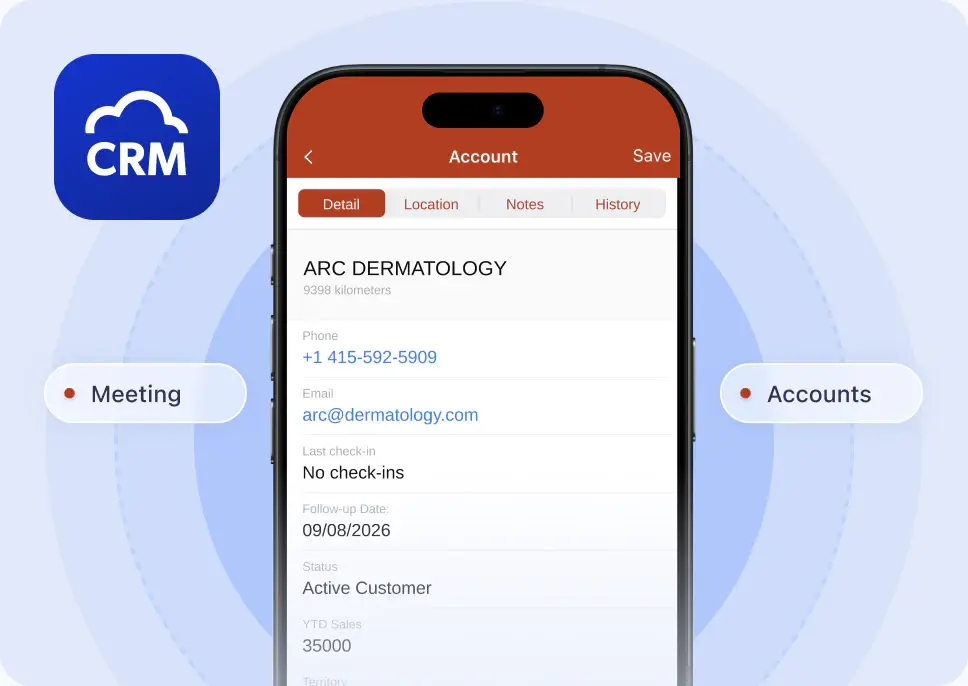
Business Integration
Sync one CRM object like Accounts, Contacts, Leads with one related CRM object like Event, Task, Visit, Log Call, Meeting, etc.
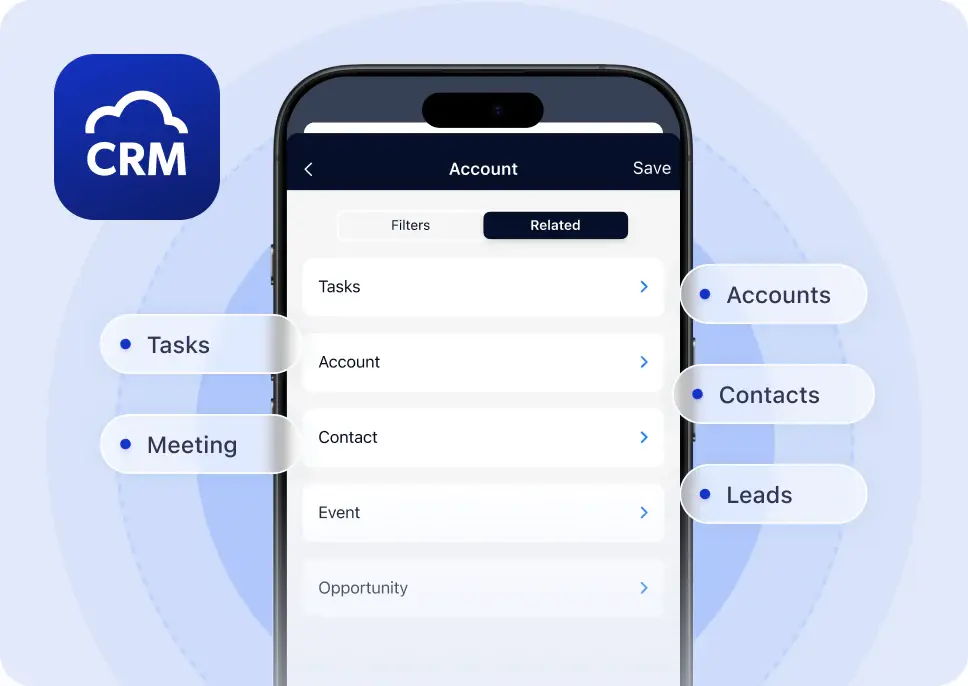
Enterprise Integration
Sync unlimited CRM objects and unlimited related data.
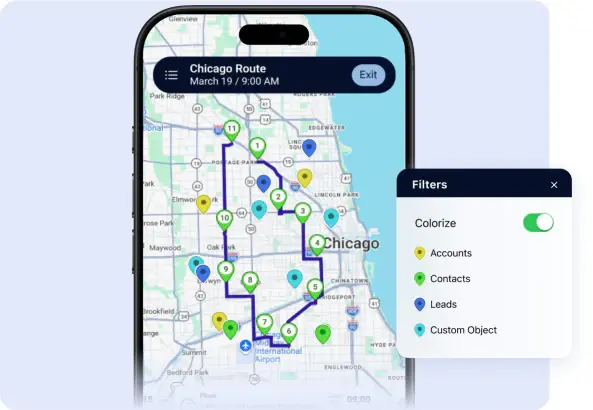
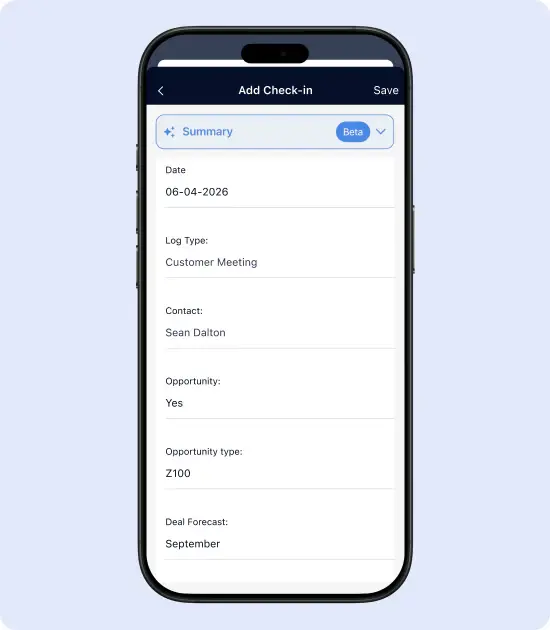
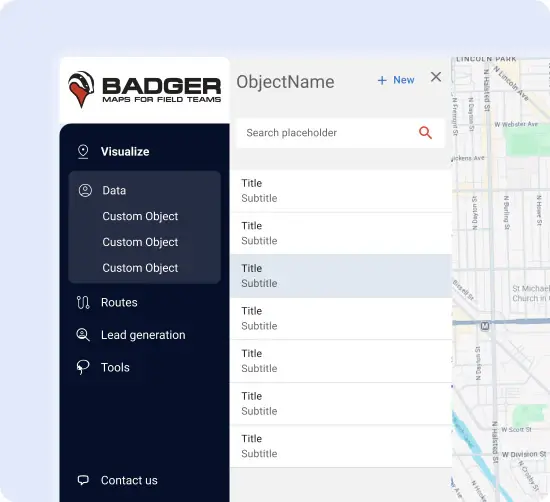
How they compare at a glance
When is the Enterprise integration right?
The Enterprise Integration is the best option if you want to fully extend your CRM to a mobile map-based environment and replicate your CRM workflow in the field. It's for teams that depend on complete, accurate field data to drive performance, visibility, and growth at scale.

Sync all your data types
Keep Contacts, Accounts, Leads, Opportunities, Notes, and Meetings in perfect sync between CRM and the field — in real time.

See relationships between data types
Understand how your different CRM objects connect — map accounts to contacts, leads to opportunities, and more.

Customize the way data is displayed
Control exactly which fields, views, and layouts your field reps see — tailored to match your sales process.
examples:
Use Case 1
You have Contacts and Opportunities associated with each Account in your CRM, and would like to empower your sales team with easy access to that data in the field.
Use Case 2
Your field sales reps visit both Leads and Accounts in a typical week, and log either Notes or Meetings depending on the type of visit. You want everything to stay up to date.