Connect Badger Maps to your system through an FTP
An FTP integration connects Badger Maps to any system that can export data as a CSV — automatically importing account data, customer records, and field activity into Badger on a scheduled basis, without any manual uploads or technical development required.
When an FTP integration makes sense
For teams running custom-built internal systems, legacy platforms, or industry-specific software, getting data into a system like Badger has traditionally meant manual imports or expensive custom development. An FTP integration bridges that gap. You can get your full customer dataset into Badger automatically, and keep it current without any manual effort.
What is an FTP?
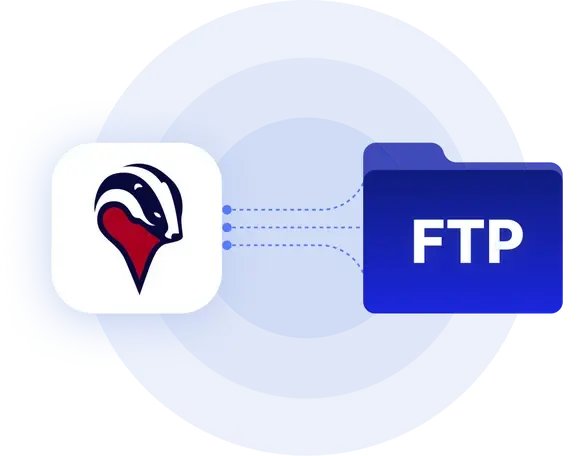
An FTP or File Transfer Protocol is essentially a virtual folder where files can be sent and received. It acts as an intermediary between Badger and other systems.
When the FTP integration "runs" it means that at a specific time Badger automatically sends files to the FTP site AND checks the FTP site for files to retrieve to bring back to Badger.

system
How does it work with Badger?
Badger sets up and hosts the FTP site.
You determine what time of day you want the FTP integration to "run."
Badger automates the file sending & receiving between Badger & the FTP site.
What can you integrate?
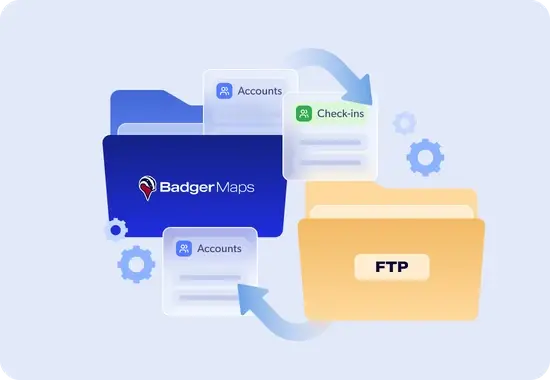
Any FTP integration can either do the following activities:
-
Push Accounts (pins on the map)
-
Push Check‑ins/Field Activity to FTP
-
Pull Accounts from FTP
Is an FTP integration right for you?
Talk to our team to learn more. We’ll customize the integration to fit your needs.