How to Use Lasso to Assign Accounts (iPhone)
Do you ever need to reassign multiple accounts to your reps while you’re on the road? With Badger Maps, you can easily handle it right from your iPhone. Read on to learn how.
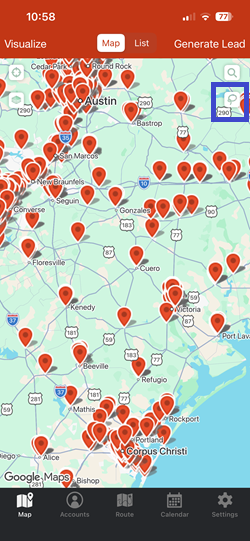
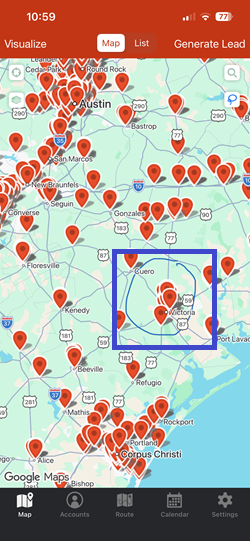
1. Tap the Lasso icon, and draw around the pins that you want to reassign.
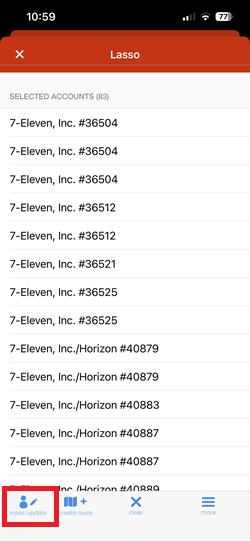
2. Go to mass update, and tap Account Owner.
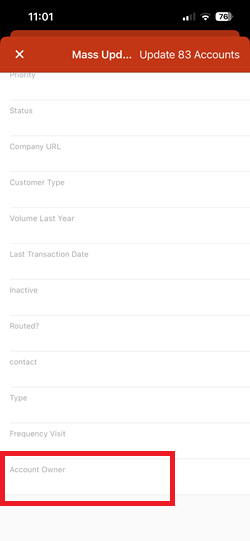
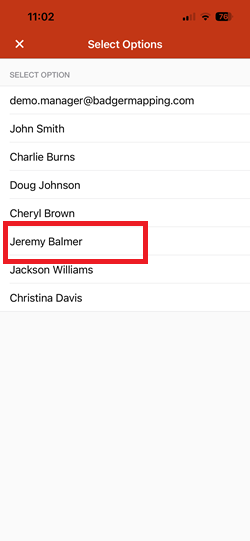
3. Choose the new account owner from the list by tapping on its name.
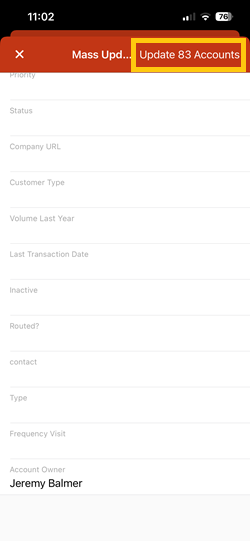
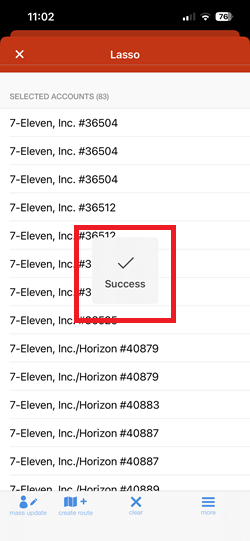
4. After that, tap the Update Accounts button. A Success message will pop up confirming that the change was successfully made.
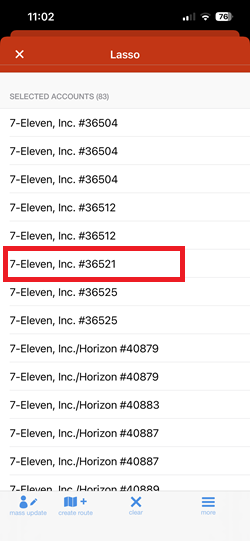
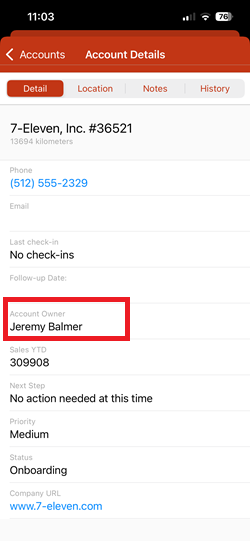
5. To check, tap on any account that you've edited to open up its Account Details page.
Simple enough, right? Give it a try now.


