News: Now offering a 90-day money-back guarantee!
Learn more
News: Now offering a 90-day money-back guarantee!
Learn moreNeed to reassign multiple accounts to your reps while you’re on the go? With Badger Maps, you can do it quickly and easily from your Android device. Keep reading to find out how.
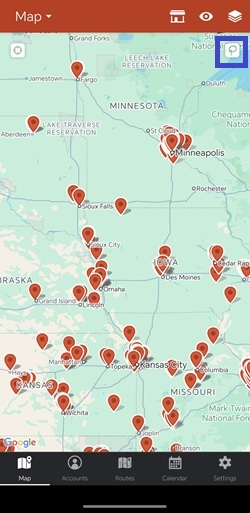
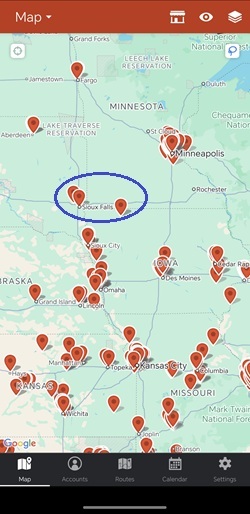
1. Tap Lasso, and circle the pins that you need to reassign.
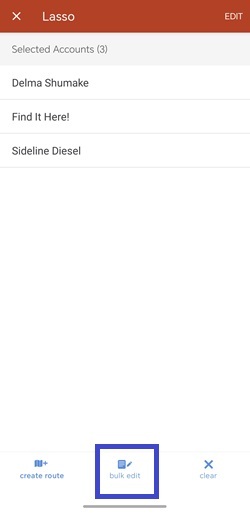
2. Choose bulk edit, and tap the Account Owner field.
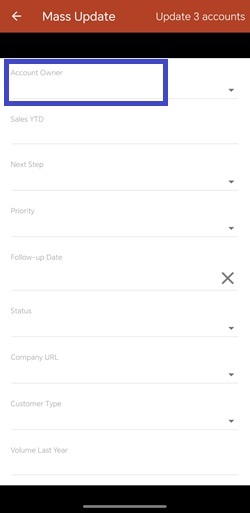
3. Select the new account owner from the list.
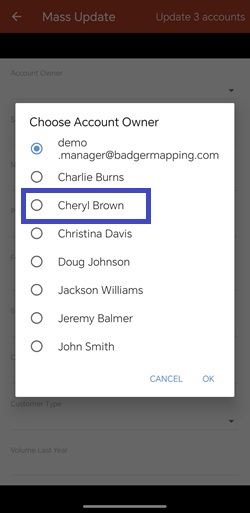
4. Tap Update accounts, and you’re good to go.
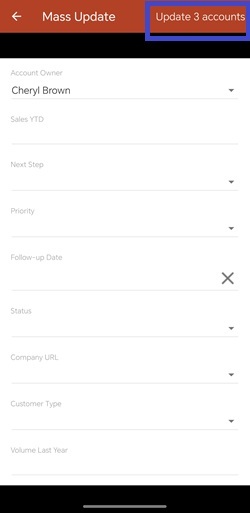
Easy, right? Try it out for yourself now.
Looking for our logo?
Grab a Zip packed with our logo in PNG and EPS formats.


